
Check in from the phone
Workers start their shift and check in through the Be Safe app at intervals suited to the work. Panic Mode provides a way to request urgent help.
Integrations
Explore the connections your team needs, and ask Be Safe about equipment for the job.
Review supported equipment and connections for your team before use.

Phone-based communication
Use the phone for agreed check-ins and supported assistance actions.
Workers start their shift and check in through the Be Safe app at intervals suited to the work. Panic Mode provides a way to request urgent help.
When responding to a safety alarm, Be Safe Operators from our monitoring partner call and message the worker, using ERP Group instructions to guide follow-up and escalating as the situation requires.
During alarm follow-up, a Be Safe Operator may initiate phone SMS when the phone service supports it, even if mobile data is poor. SMS does not automatically replace app check-ins or Panic Mode.
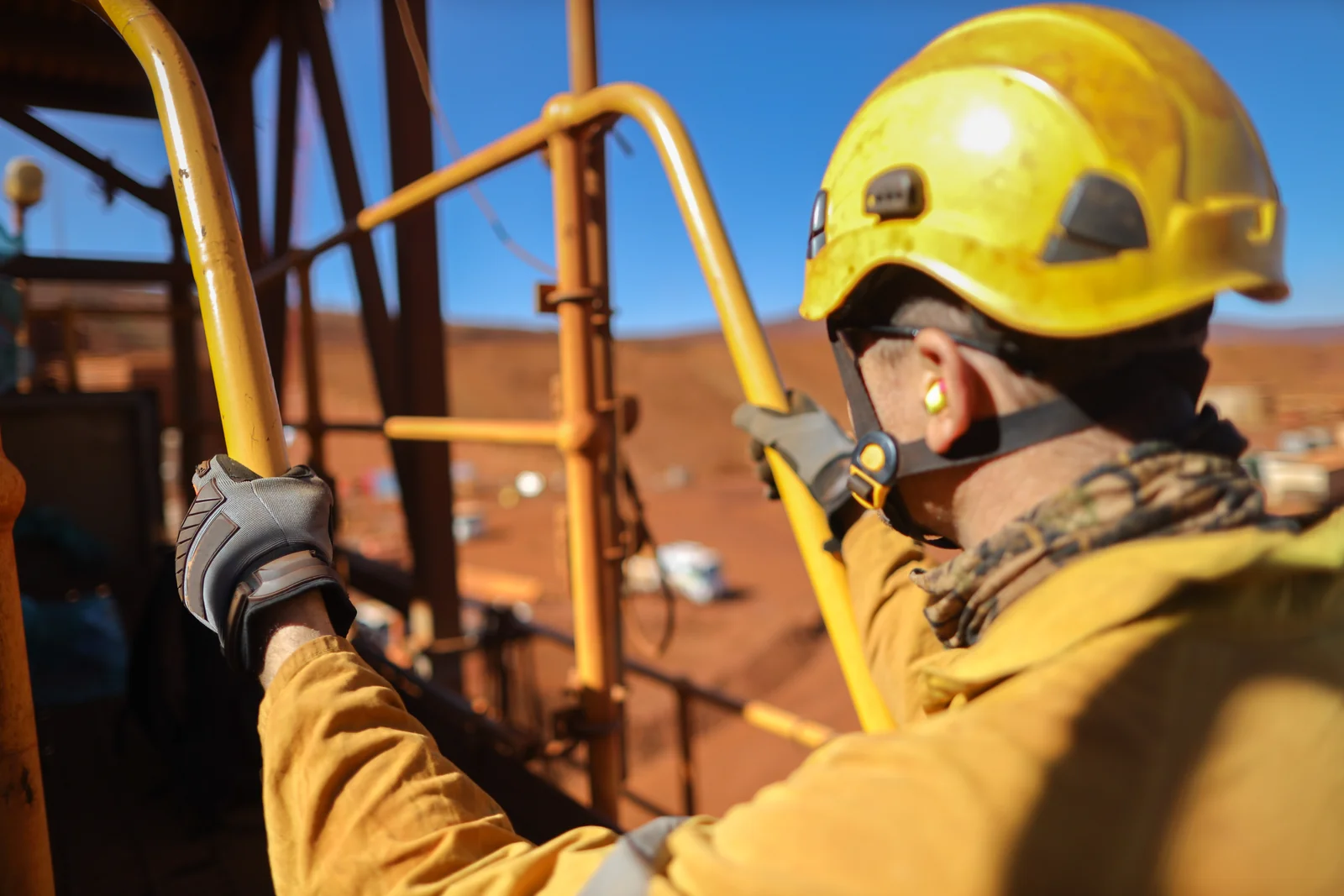
Satellite communication
Satellite-connected phones and linked communicators offer different ways to stay connected. Choose the setup that fits the work.
The Be Safe app is optimized for Ultra Constrained Networks, using low bandwidth to support core app functions over satellite cellular data when a compatible phone and service permit.
Supported functions depend on the phone, service, location and conditions. Confirm the setup and plan for periods without a connection.
Supported SMS may use Rogers Satellite or T-Satellite on eligible phones, operating systems and plans.
These use Starlink direct-to-cell transport. Coverage and roaming depend on the carrier, eligible plan and destination. Device, clear-sky and availability requirements apply. Phone SMS is separate from satellite cellular data for the app.
Supported worker actions, two-way messages and location can use linked Garmin inReach or ZOLEO communicators.
Location sharing uses Garmin LiveTrack or ZOLEO Data Share. Confirm supported actions, subscriptions and the setup for each device.
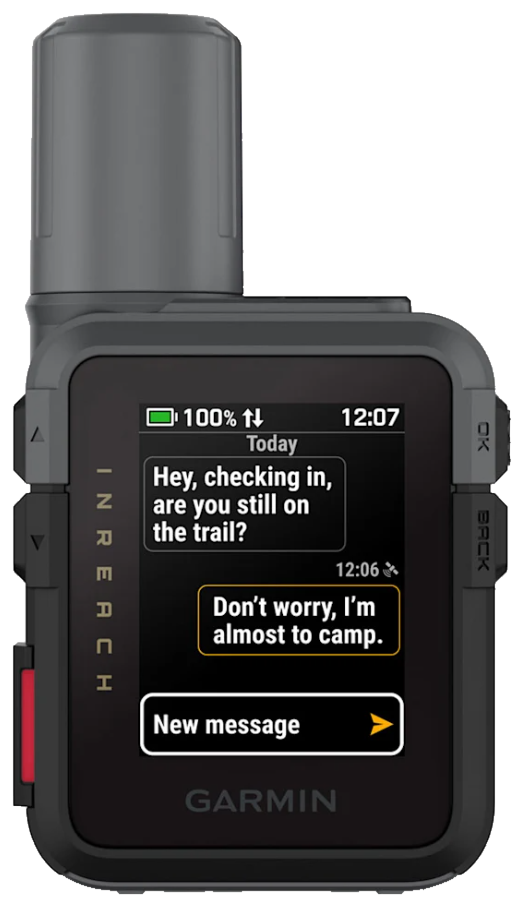
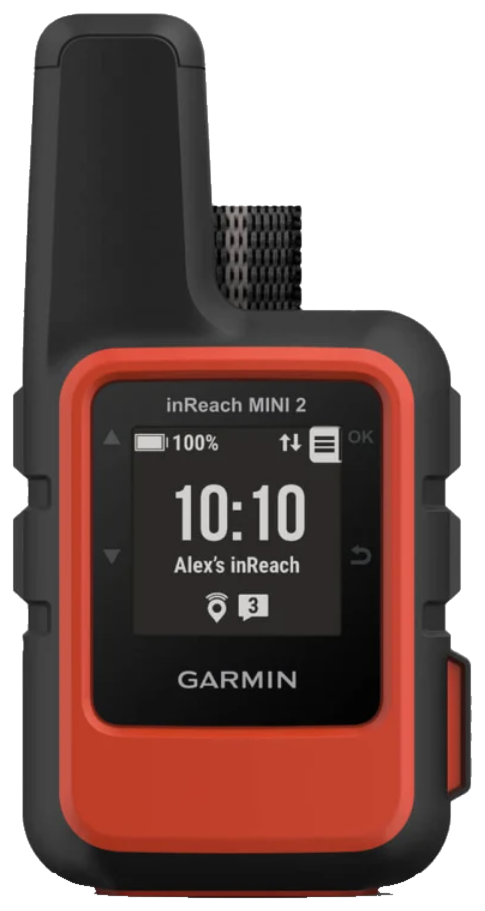
With a supported, activated and correctly assigned inReach device using LiveTrack, workers can start tracking to begin a Be Safe shift, send a configured check-in and stop tracking to end the shift.
Confirm the model, subscription, assignment, LiveTrack and messaging setup before work begins.
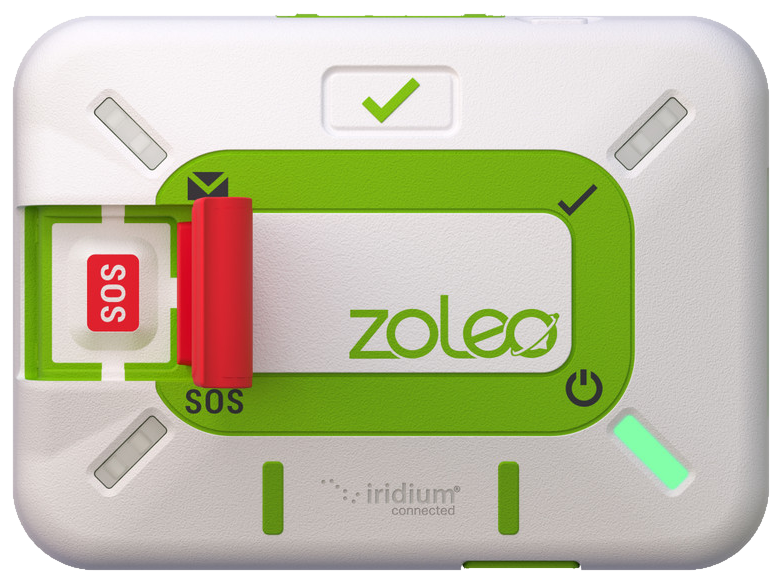
With Location Share+ and data sharing set up, a worker can use the check-in button to start or end tracking and send a check-in. The paired ZOLEO companion app can receive Be Safe confirmations when service is available.
Confirm activation, device assignment and the sharing setup with Be Safe.
Connected Gas Detection
Be Safe integrates with the RKI GX-3R Pro gas detector. Ask about supported readings and alarms for your configuration.
Agree which supported detector events reach monitoring and how your Emergency Contact and Be Safe Operator will coordinate follow-up.
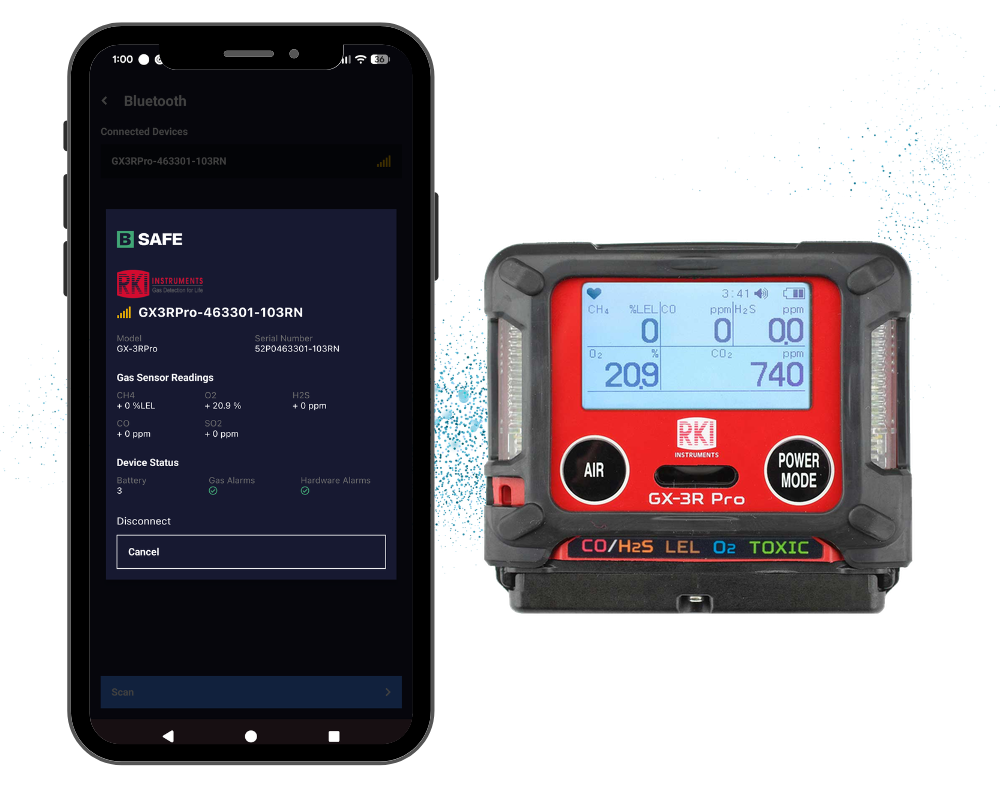
Ask which detector alarms and events your Be Safe setup receives. Configuration and connectivity matter.
Equipment through Be Safe
Order selected Garmin inReach and ZOLEO communicators or RKI GX-3R Pro gas detectors through Be Safe. Tell us what your team needs and we can discuss availability, compatibility and ordering.
Supervisor and location context
Authorized users can view available location, battery and plugged/unplugged information. Location can update in real time when the device and connection support it.
Availability, refresh behavior and permissions vary by device and integration. The map may show the last available location; it does not establish live connectivity.
Before choosing equipment
Review the devices and services your team needs before choosing a setup.
On smaller screens, scroll the table horizontally to compare requirements. Keyboard users can focus the table and use the arrow keys.
| Path or equipment | Action to review | Confirm before use | Important limits |
|---|---|---|---|
| Be Safe app on a phone | Configured check-ins; supported Panic Mode |
| No automatic switch of every app action to SMS or satellite. |
| Satellite-connected phone: app data | Supported core app functions over satellite cellular data |
| The app is optimized for low bandwidth. Confirm supported functions and service before use; coverage and connectivity are not guaranteed. |
| Eligible phone satellite SMS | Supported SMS |
| Coverage and roaming depend on the carrier, eligible plan and destination. Clear-sky and availability limits apply. Phone SMS is separate from app data. |
| Linked Garmin inReach or ZOLEO | Supported worker actions, messages and location |
| Confirm supported actions. Garmin and ZOLEO SOS services are separate from the Be Safe monitoring procedure. |
| RKI GX-3R Pro gas detector | Review supported readings and alarms |
| Some alarm types are currently unavailable. Confirm which readings and events your Be Safe setup receives. |
Check the supported actions and subscription requirements for each device before use.
People behind the connection
24/7 human monitoring through our monitoring partner is included.
Be Safe supports a work-alone program. It does not guarantee compliance, communication, emergency dispatch, rescue or outcomes.
Confirm monitored events, operator actions and what happens if communication is unavailable.
Your Emergency Contact and the Be Safe Operator can coordinate the response and continue speaking by phone.
Keep primary and secondary Emergency Contacts in each worker’s assigned ERP Group current.
Common questions
Not necessarily. The app can support core functions over satellite cellular data on a compatible phone and service, but supported actions depend on the setup and conditions. Operator-initiated SMS is separate from app data.
For satellite-connected phones, confirm the phone, service and supported app functions. Review the exact Garmin inReach or ZOLEO model, supported actions, subscription and location behavior separately. Phone satellite SMS has its own device, plan, country, clear-sky and availability limits.
No. Be Safe integrates with the RKI GX-3R Pro gas detector. Confirm supported events, certifications, pairing, power, connectivity and subscription requirements before use.
Authorized users can view available location, battery and plugged/unplugged information. Location can update in real time when the device and connection support it. Availability, refresh behavior and permissions vary by device and integration. The map may show the last available location; it does not establish live connectivity.
Do not assume automatic emergency dispatch. Be Safe Operators use your response instructions to guide follow-up and can contact emergency services when needed. Garmin and ZOLEO SOS functions use their own emergency response services. Be Safe supports a work-alone program. It does not guarantee compliance, communication, emergency dispatch, rescue or outcomes.