
Parks and facilities
Agree how a worker checks in during independent visits and who supports the working period when colleagues are elsewhere.
Municipalities
A municipal working day can include facilities, parks, public-facing duties and after-hours calls. Keep the worker’s check-in plan connected to the people responsible for follow-up.
24/7 human monitoring is included. Your organization maintains its emergency arrangements.
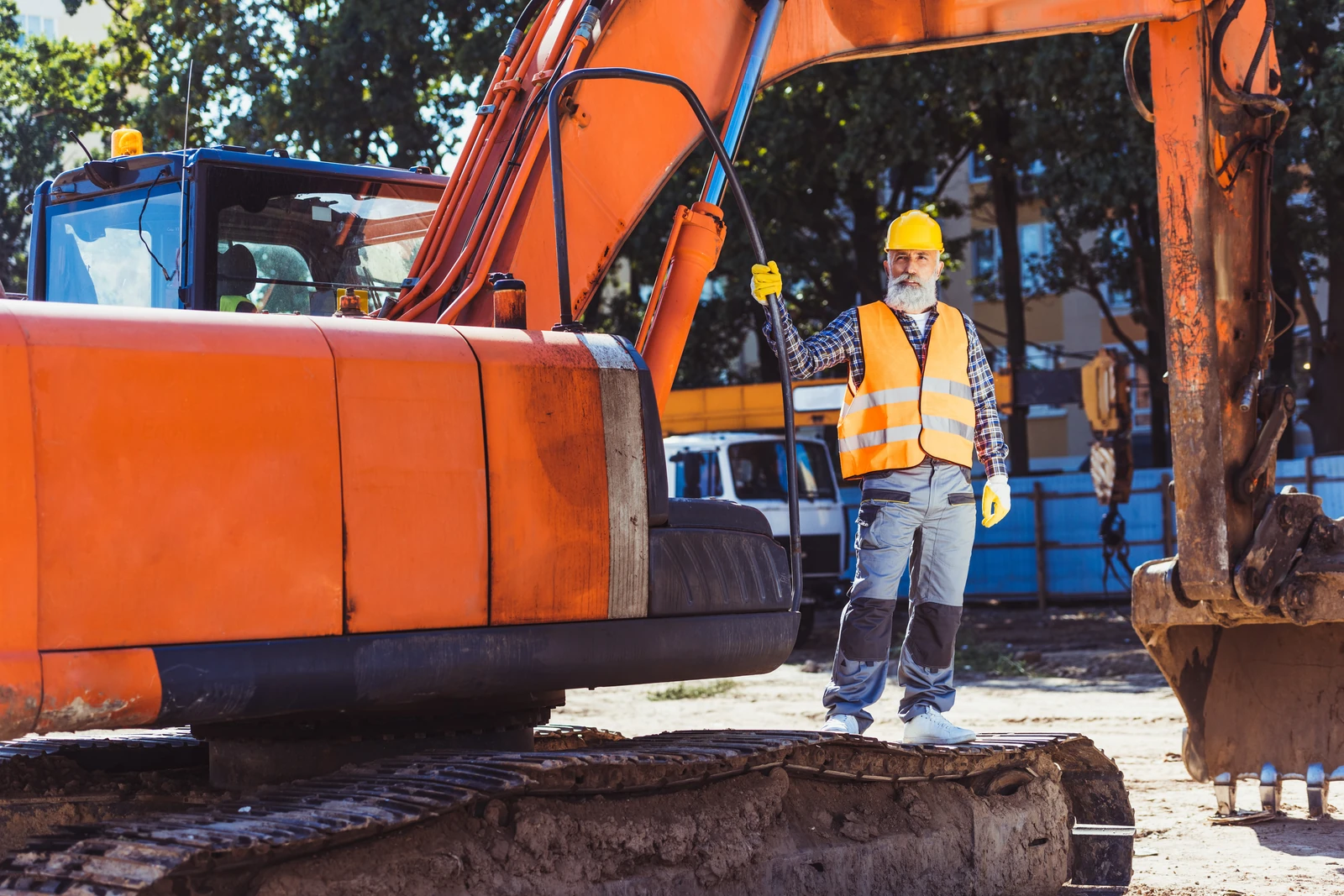
The working context
From parks and facilities to public-facing duties and after-hours water work, the task needs an appropriate work-alone assessment. Do not assume every duty is suitable.
Agree how a worker checks in during independent visits and who supports the working period when colleagues are elsewhere.
Make sure workers know how to raise an urgent alarm and contact emergency services directly when possible. An app does not replace training or procedures for the task.
Keep your primary and secondary Emergency Contacts current so the Be Safe Operator knows whom to call.
Check-ins and follow-up
Start with the worker, the agreed check-in interval and a maintained path to the Emergency Contact.
Agree the task, check-in interval and primary and secondary Emergency Contacts.
Use the supported check-in path. Follow the organization’s procedure if the task or expected connection changes.
A Be Safe Operator manually calls and messages the worker, using the ERP Group’s response instructions and coordinating with the Emergency Contact as needed during an after-hours visit.
A Be Safe Operator uses your response instructions and can continue coordinating with your Emergency Contact by phone.
Confirm the available settings and exact worker actions for your setup. An interval does not establish legal compliance. Confirm monitored events, Be Safe Operator actions and service boundaries.

Connectivity and equipment
Review the actual places people work and the actions they need to complete.
Supported actions and location information depend on the equipment, service and subscription. Check compatibility for your exact devices.
Review equipment and connectivityThe supervisor's side
Keep emergency contacts current alongside supported last-location and device-power information for authorized users.
Availability, refresh behavior and permissions vary by device and integration. The map may show the last available location; it does not establish live connectivity.
Keep the primary and secondary Emergency Contacts for the worker's ERP Group current.
Discuss available shift reports and map archives for your team. Fields, access and retention depend on your setup.
Before choosing a setup
Assess task suitability. Maintain training, supervision, emergency arrangements and primary and secondary Emergency Contacts who know their roles. Monitoring does not replace public-facing or isolated-work procedures.
When escalation is needed, the Be Safe Operator uses the response instructions and Emergency Contact order configured for the worker’s ERP Group. Urgent situations may require emergency services. The Be Safe Operator continues managing the alarm until an Emergency Contact accepts responsibility and can continue coordinating by phone.
Discuss available shift reports and map archives for after-hours work. Be Safe Operators record response actions and outcomes in the Be Safe Activity Log. Available fields, access and retention depend on your setup. Records support review; they do not prove compliance.
See how records support follow-upBe Safe supports a work-alone program. It does not guarantee compliance, communication, emergency dispatch, rescue or outcomes.
Common questions
A Be Safe Operator uses your response instructions and can coordinate with your Emergency Contact or contact emergency services when needed. Your organization maintains primary and secondary Emergency Contacts.
No. In an emergency, call 911 or local emergency services directly if safe and possible. Check the device, connectivity and configuration needed for Panic Mode. Be Safe does not guarantee communication, dispatch, rescue or outcomes.
No. Supported last-location, battery and plugged/unplugged information is subject to refresh behavior and permissions. It is not live connectivity-status visibility or a guarantee of safety.